
Welcome to this course where you will learn how to program using Python while building amazing structures in Minecraft.
Minecraft is one of the most creative games ever made. Players can build houses, cities, castles, and even entire worlds using blocks.
But what if you could build huge structures automatically?
What if a robot builder could place hundreds or thousands of blocks for you?
That is exactly what programming allows us to do.
In this course you will learn how to control a robot builder inside Minecraft using Python code. Instead of placing blocks one by one, you will write programs that tell the robot what to build.
With just a few lines of code, the robot can create:
- Large buildings
- Decorative structures
- Pixel art
- Complex patterns
- Fun mini-game environments
Programming gives you superpowers inside Minecraft. You can build faster, create bigger projects, and design structures that would be difficult to build manually.
What You Will Learn in This Course
Throughout this course you will gradually learn the most important ideas in programming.
Each lesson will introduce a new concept and then use that concept to build a Minecraft project.
Some of the programming ideas you will learn include:
- Functions
- Loops
- Variables
- Movement commands
- Shape creation
- Rotation and angles
These ideas are the building blocks of programming. Once you understand them, you can create your own programs and build almost anything you imagine.
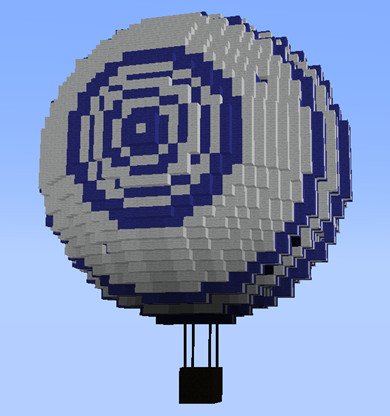
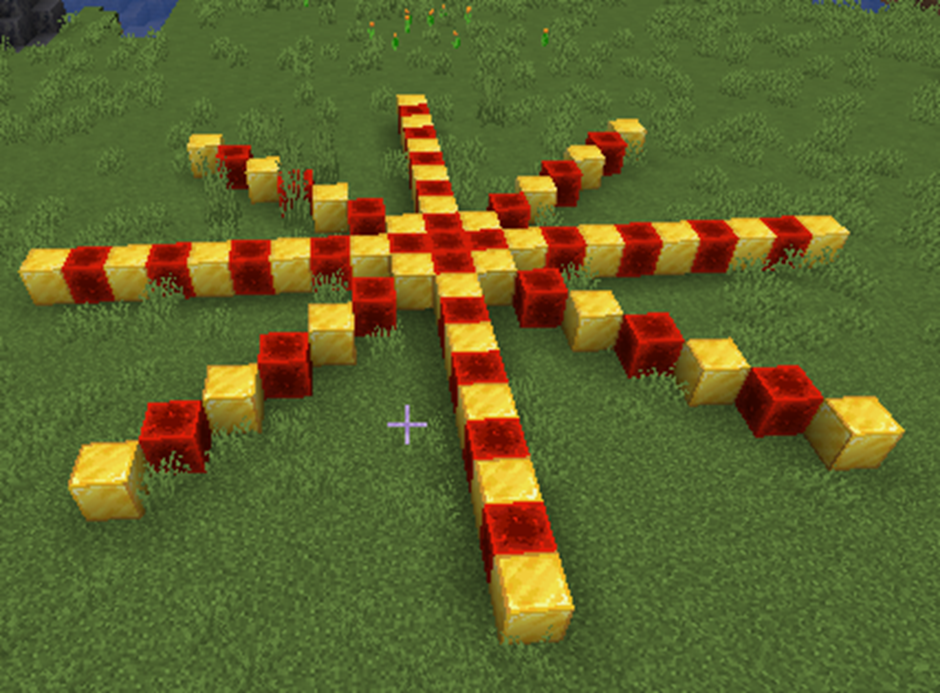
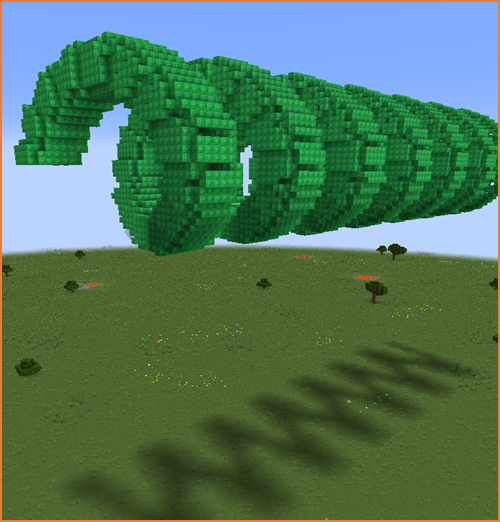
How the Robot Builder Works
In this course we use a tool called VisualModder.
VisualModder connects Python programming with Minecraft.
When you write a program, VisualModder reads the instructions and sends them to Minecraft.
The robot builder inside the game then performs those instructions.
For example, a program might tell the robot:
- Move forward
- Create a square
- Rotate
- Build a circle
The robot performs these actions exactly as the program describes.
This allows you to design structures using code instead of manual building.
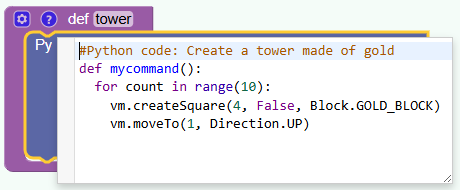
Example of a Building Command
One of the commands you will use often is:
vm.createSquare(size, filled, block)This command creates a square made of blocks.
- size controls how large the square is.
- filled decides whether the square is solid or hollow.
- block defines the material used.
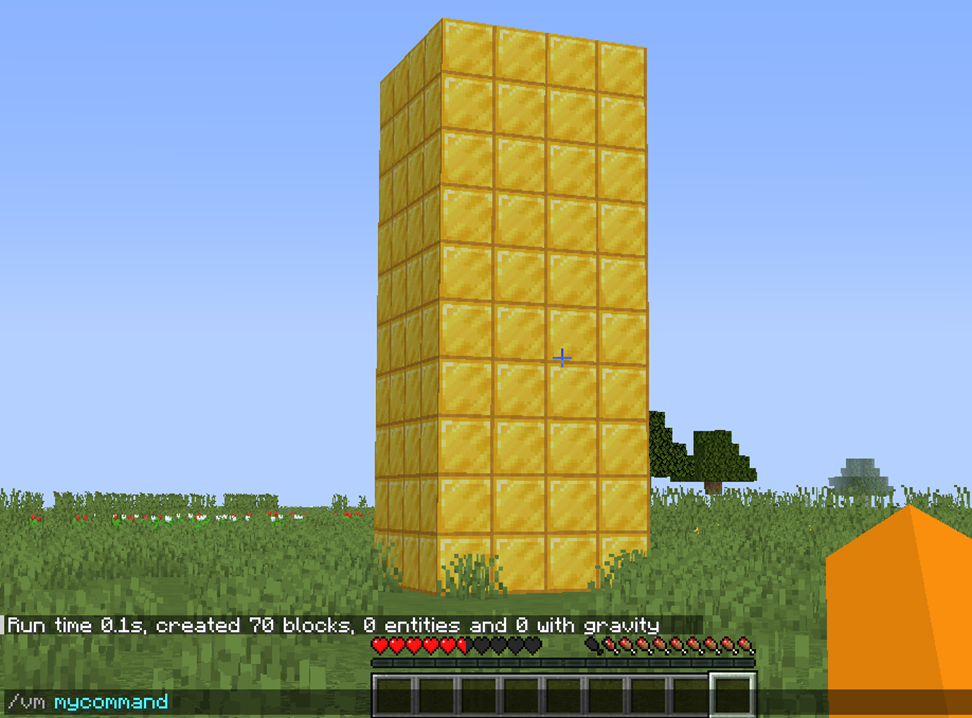
For example, a program might create a square floor using stone blocks.
Commands like this allow the robot to build structures automatically.
Learning by Building Projects
The best way to learn programming is by creating projects.
In this course every lesson includes a building project inside Minecraft.
You will start with simple structures and gradually build more complex ones.
Some of the things you will build include:
- Towers
- Castles
- Pixel art
- Spiral staircases
- Rainbow structures
- Parkour courses
- Decorative buildings
By the end of the course you will be able to design your own automated Minecraft builders.
How to Use This Course
Each section of this course follows the same structure.
- Learn a new programming concept.
- Study a building example.
- Look at the Python code.
- Experiment with the program.
You should always try modifying the programs yourself.
Changing numbers, blocks, or shapes is a great way to understand how the program works.
Programming is like solving puzzles.
Every time you experiment, you learn something new.
Get Ready to Build with Code
By combining Minecraft creativity with Python programming, you will learn how to think like a programmer and a designer at the same time.
This is a powerful skill that many professional developers use every day.
Now it is time to start your first building project.
In the next section you will create your very first structure using Python code inside Minecraft.